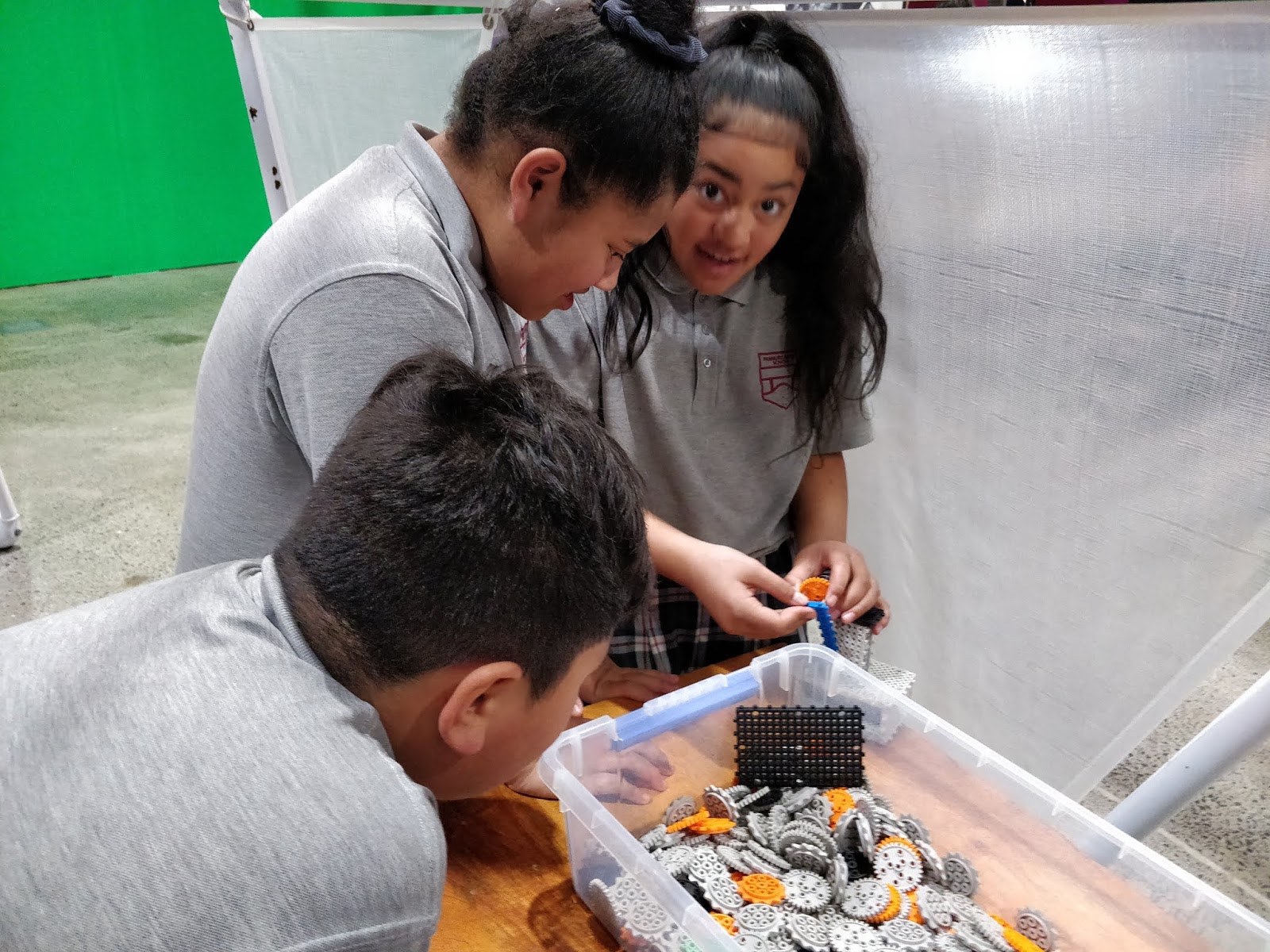
LI: to understand how flowcharts relate to coding blocks
LI: to understand how to get the microbit to talk to another microbit using radio signals
Here is my flowchart practise document.
I am a Year 8 student at Panmure Bridge School in Auckland, NZ. I am in Learning Space 2 and my teachers are Mrs Anderson and Mrs Fisi'iahi.
LI: to understand how flowcharts relate to coding blocks
LI: to understand how to get the microbit to talk to another microbit using radio signals
Here is my flowchart practise document.
LI: To Learn how to code the Microbot in the Phyton.
For this example for coding the buttons , the main thing to notice is the "def" which is defining what the on_button_pressed will make to microbit do. Again this has a top and bottom so the content has to go inside it.
The first one shows the Phyton coding for flashing heart. It flashes between a small heart icon and a large heart Icon. The main thing to notice between the Phython coding and the blocks is the the forever loop is the top and bottom of the content in both.
LI: To learn how to code the micro bit to play rock, paper, scissors and understand how the flowchart matches the code.
L.I: To code the robot to move backwards without touching it - to be a jedi

My robot will wait until i have pressed the onboard button before it does anything. We used an "IF - THEN - ELSE" block as this gives the robot two choices of things to do. We are using the ULTRASONIC SENSORon the of the robot and we need to sense if something 10cm in front of it. IF something is 10cm or LESS in front of the robot , it will move backwards. IF something is NOT less han 10cm in the front of the robot, it wil move forwards (ELSE). This is all put into a forever block so that the robot constantly senses what is in front of it.
LI: To create the joint of your design.
This week the Yr 8 students have been finishing off their woodwork designs. We were introduced to chisels and a mallet. Some people were still finishing their drawing wood designs while others were already started on their cutting.
I was cutting joint from my wood to create my ship design. We were reminded that whenever we are holding the chisel, our thumb needs to be covering the pointy bit so whenever we hit someone they on't get hurt or injured.
It was quite hard trying to put the would in between the joint so i used sand paper to smooth the edges to make it fit. After pushing the wood in the joint a bit harder it finally fit.
LI: To plan out your wood design.
LI: to create a blogpost explaining our tech session.
This morning we had our tech session, this was the last session this year with Mrs Sharma. For this session we talked about plants and foodmakers. First in our project books we explained how plants grow, how it feeds itself, what it needs in order to live, different types of plants, and why plants are important to animals. After we explained what a plant is we watched a video of the system of a plant. We next went around Tamaki College and found 10 different leaves, after we found the leaves we made a table chart describing each leave, on the chart we numbered the leaves from 1-10. There were 5 different coloumns;
Size - *cm
Texture - *rough, soft, waxy
Color - *green, purple
Thickness - *the thickness of the leaf
Pattern - *veins through the leaves
LI: To find out how many fins you would need on a rocket to help it fly effeciently.
This week we had Tech at Tamaki College. We were learning about Rocket Science with Ms Sharma and Mr Dunn. We started off by identifying the main features and attributes of how a rocket can fly. With Mr Dunn we learnt that weight and mass are two different things, if we were to go to mars our mass would stay the same but the weight would change. This is due to the amount of force in space and the planets.
The reason we use rockets are to send cargo through space and stop bombs from other countries attacking a certain area. Due to gravity when the rocket flies off into space, it slightly turns horizontally to reduce fuel used. On a rocket their is a 'nose' to help the rocket cut through the pressure of the air when flying.
We made straw rockets. We made our rockets out of plastic straw and paper as fins then used another straw to make the rocket fly. To help our rocket fly we had to make a lot of changes and variations to find our best flying rocket. The variable we changed was the fins. The winners were; Lukah - 6m and 40cm; Heavenly - 5m 90cm; Fau - 5m 80cm.
LI: To understand and identify the meaning of science with Mrs Sharma.